Skip to content

Text, Scan, Reunite

Like a concert ticket. For pickup.

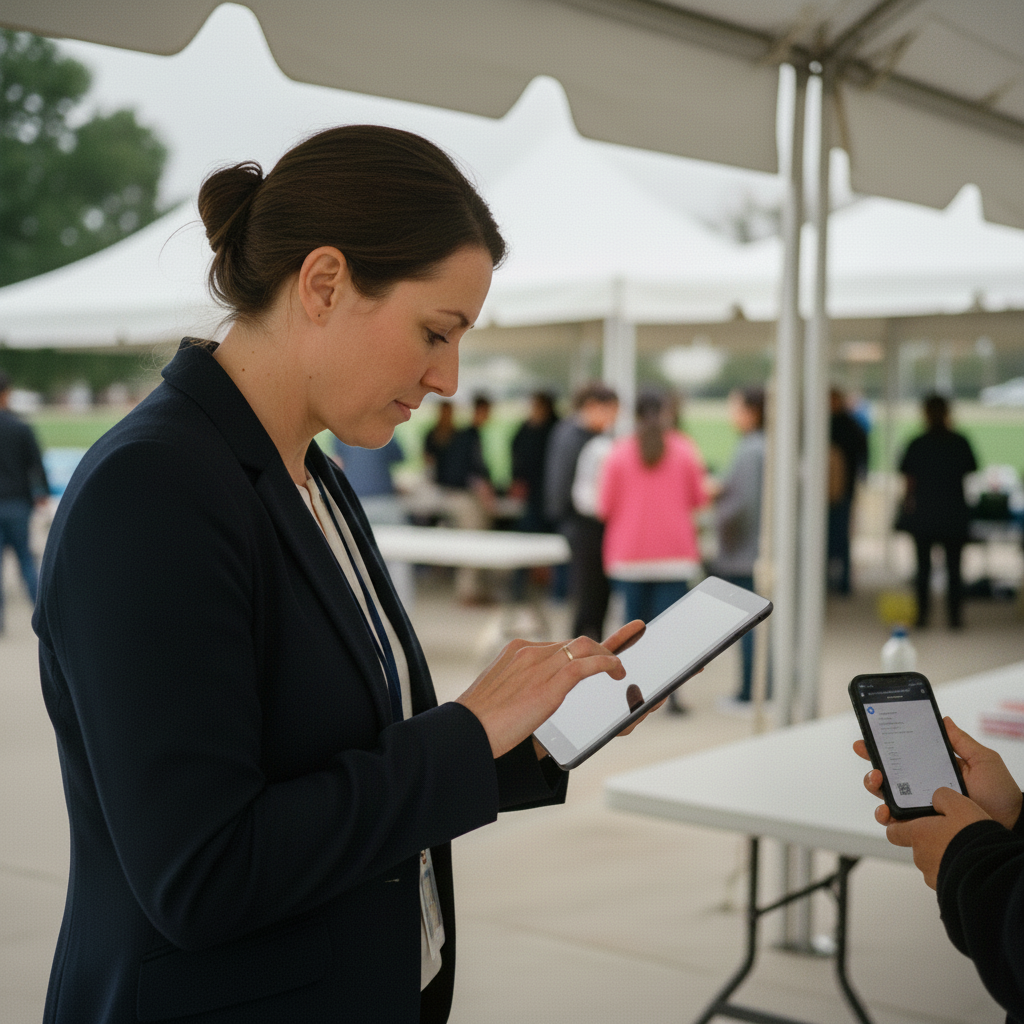
The moment reunification starts, every guardian gets a text with a unique QR code. Staff scan it and instantly see the student, the guardian, and the verification status. No paper rosters. No guessing who belongs to whom.

Know Where Every Student Is

Live Location and Accountability

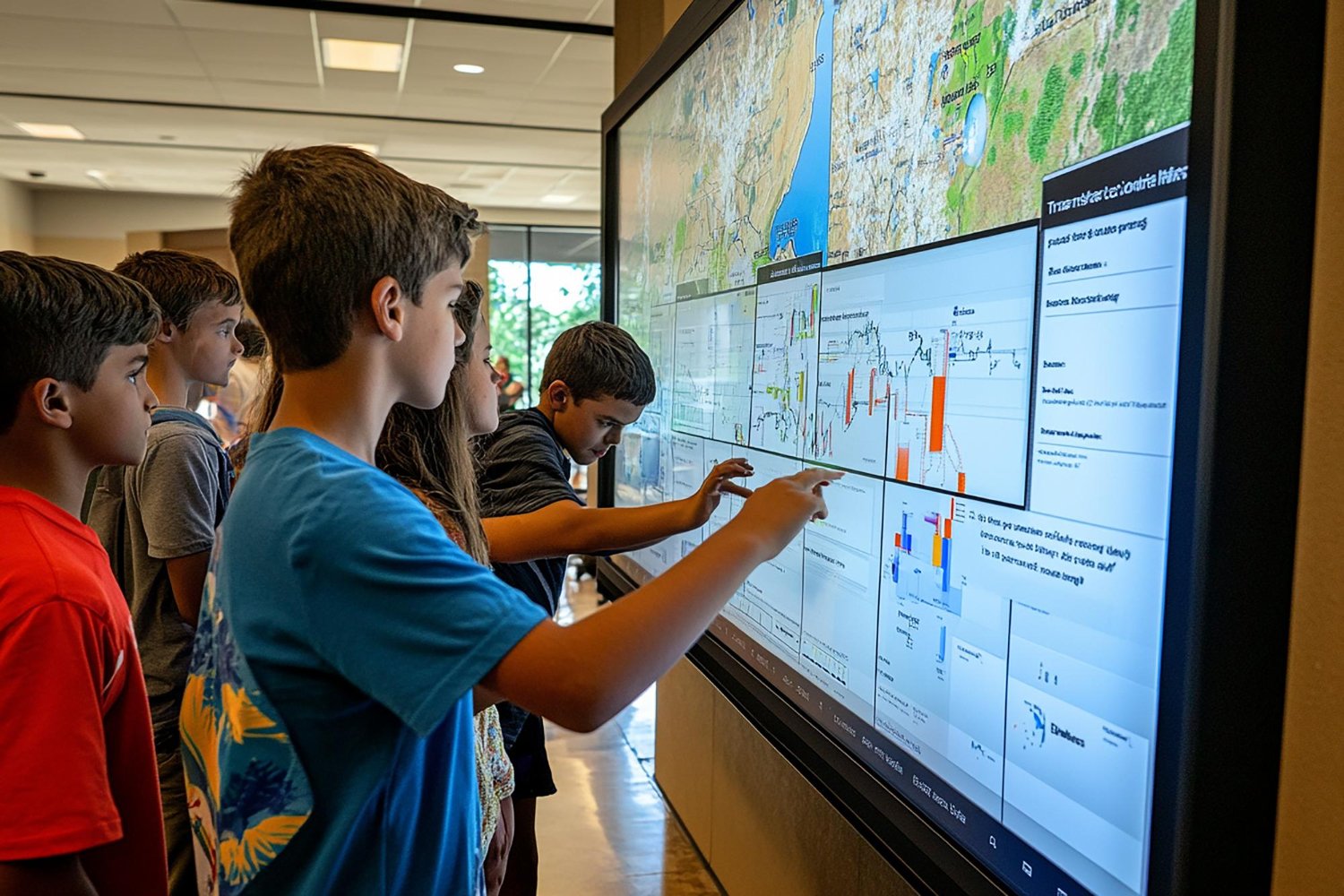
Reunification starts from a known picture, not a blank page. Because E3 syncs with your SIS and tracks every check-in, your students are already accounted for the moment you begin.

Track Every Student, Every Step.

Real-Time Status Tracker

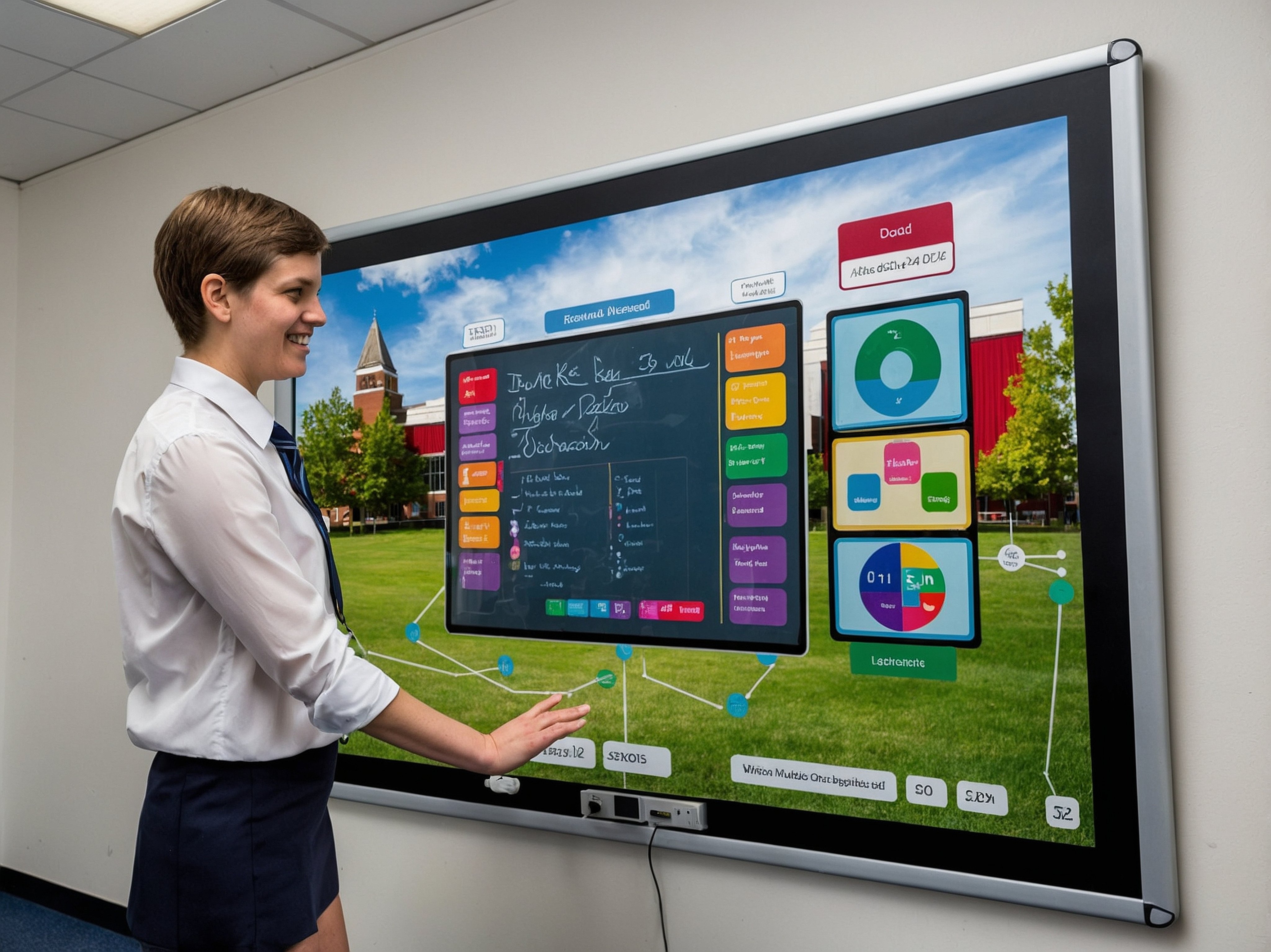
The second a guardian's code is scanned, the tracker starts. Staff and guardians follow the same clear stages, so no one is left wondering where a student is.

Verify Before You Release

Guardian ID Verification

Before any student is released, staff confirm the guardian's government-issued ID and check the consent box. A clear visual indicator records that the verification happened, every single time.

Only Authorized Guardians

Custody and Authorized Pickup

E3 pulls authorized guardians from your SIS and flags custody restrictions or blacklisted contacts the moment a code is scanned. Anything in question escalates to an admin, and no student is released until staff confirm a government-issued ID and consent.

Reunification FAQ’s

How is Reunification activated?

An admin triggers reunification mode from the E3 platform. QR codes are issued to parents, staff roles are assigned, and the reunification site map goes live.

Where do student photos come from?

Photos are referenced directly from your Student Information System at scan time. E3 supports PowerSchool and Infinite Campus, and never stores or copies student images on its servers.

How are restricted or non-custodial guardians handled?

Schools load a custody and restriction list during setup. When a flagged guardian scans in, the case is automatically escalated and an administrator is notified, while the main line keeps moving.

What happens if a student was not yet accounted for?

The system never displays "missing." It shows "Location not yet confirmed" and surfaces teacher comments and audit history so staff have full context before they speak with the parent.

Can Reunification be purchased on its own?

Reunification is included in the E3 platform alongside Alert, Check In, Smart Map, Chat, and Report. It is not sold as a standalone add-on.

Case Study: Emergency Communication in Schools

Reunification, Without the Chaos

Bring every student home to the right hands.

reunification-admin-scan-profile-subtle

Be Ready When Every Second Counts

  • QR Code Guardian Check-In
  • Real-Time Reunification Tracking
  • Verified Guardian IDs
  • Custody-Aware Releases
  • Complete Audit Trail
Get a Demo