.png?width=4320&height=1288&name=reunification%20(1).png)
A school reunification plan documents how your school will return every student to a verified...
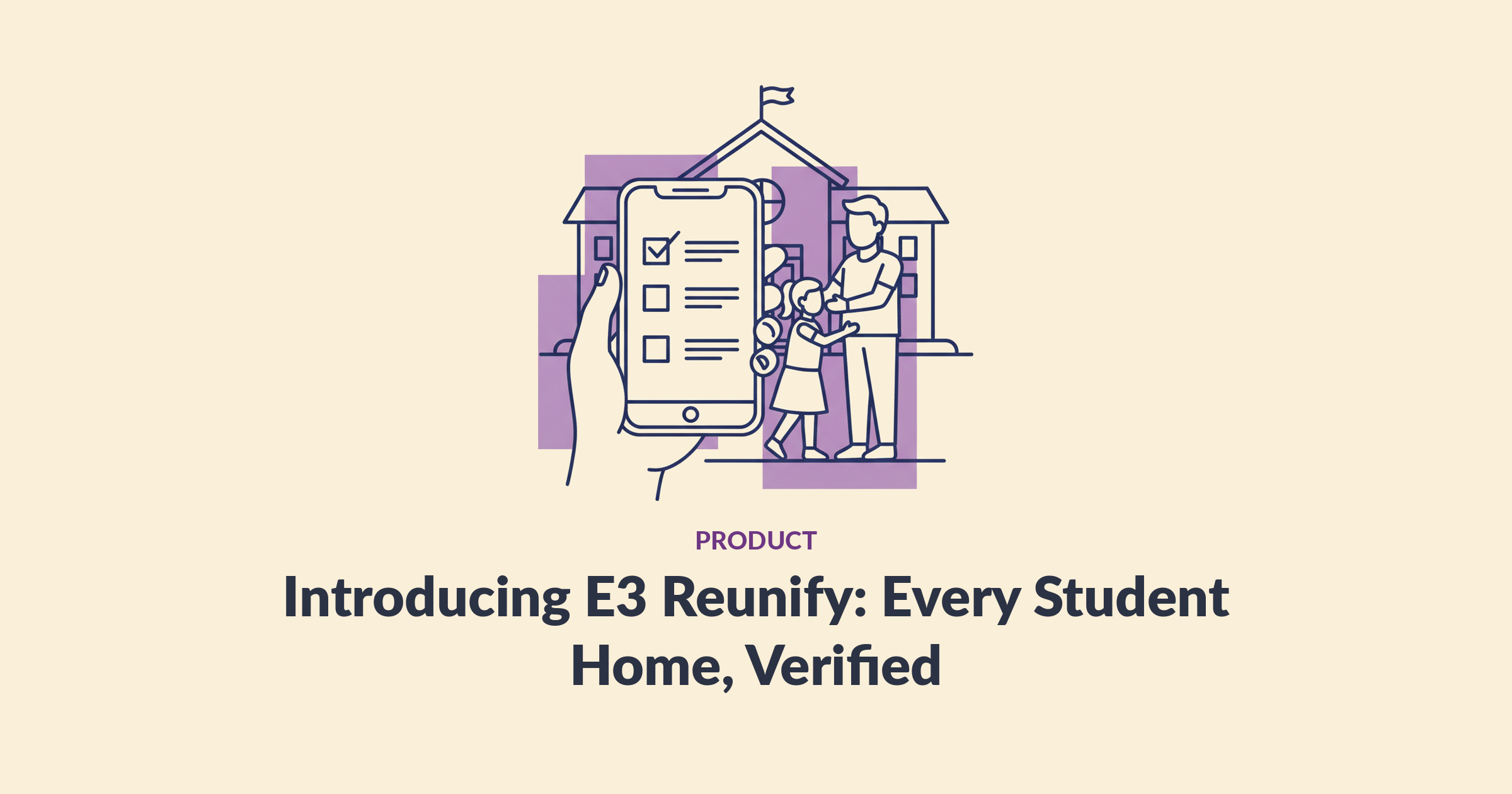
E3 Reunify is a feature of the E3 app — reunification built into the platform your staff already use, not a separate module or software. It sends parents one clear message, verifies every release with a government-ID check against SIS records, and tracks every student through every stage — guardian checked in, runner assigned, en route, released — until the log is complete. Every student goes home with the right adult — and the district can prove it.
Quick answer
- Parents get one message with the reunification site, pre-register, and arrive holding a QR code.
- One QR code per household covers every student in the family; staff scan it at check-in and confirm government ID before any release. Flagged guardians route to an escalation an admin approves or denies.
- Student Tracker shows where every student is at every stage — guardian checked in, runner assigned, en route, released — so the count always reconciles, live.
What is E3 Reunify?
E3 Reunify is the reunification feature of the E3 app. If you’ve been searching for school reunification software, this is that capability — built in, not bolted on. If reunification is a gap you want to close, book a demo.
When an emergency ends the school day abnormally, it runs the release process start to finish: parents get one message telling them exactly where to go, pre-register, and receive a QR code. At the site, staff scan the code — one QR covers every student in the household — a runner is assigned to bring each student, and the guardian’s government ID is confirmed before release. The release is logged — which student, which adult, ID verified by whom, at what minute.
That is the Standard Reunification Method sequence districts already train on, moved off paper and onto the platform staff already use for alerts, maps, and roll call. E3 Reunify supports the method; it does not replace it.
Why did we build Reunify?
We built E3 Reunify because districts kept telling us reunification is the part of their plan they trust least. Not alerting. Not lockdown. The hour afterward, when hundreds of adults arrive and every one of them wants a child.
A district chief of police at a 16-school Pennsylvania district told us reunification was the thorn in his side — his staff came back from Standard Reunification Method training saying the district was in trouble and needed to get it under control. A safety leader at a small three-school district told us reunification scares him more than anything else in an emergency: what he never wants is to stand in front of a parent and not know where their child is.
That’s the real fear — not the paperwork, but losing track of a student somewhere between the classroom and the curb. So accountability through the entire process is what we built around.
How does E3 Reunify work on the day?
E3 Reunify runs reunification in five steps, from the first parent message to the last logged release:
| Step | What happens |
|---|---|
| 1. One message | Parents get the reunification site and instructions — one message, no rumor chase |
| 2. Pre-registration | Parents register from the message and receive a QR code before they arrive |
| 3. QR check-in | Staff scan the guardian’s QR code — one code per household, covering every student in the family — and a runner is assigned |
| 4. Runner retrieval | Student Tracker updates the student’s status live: runner assigned, en route, arriving at the front |
| 5. ID-verified release | Staff confirm the guardian’s government ID matches, then release — timestamped into the log: student, adult, who verified |
The line moves because verification takes seconds instead of a records hunt. The crowd stays calm because parents were told exactly where to go and what to bring.
Where is every student during reunification?
Student Tracker answers the question that matters most: where is each student right now? Every student on the SIS-synced roster carries a live status through the whole process — guardian checked in, runner assigned, en route, released — visible to leadership at all times. Parents see their side of it too: their QR code page shows where their students are checked in as the process moves.
That through-process accountability is the biggest concern we heard from districts, and it’s the gap paper can’t close. A roster printed in the morning tells you who was enrolled; it can’t tell you whether a fourth grader is still in the assembly area, walking with a runner, or already gone. Student Tracker can — and when the released count and the remaining count reconcile to zero, reunification is complete with evidence, not a feeling.
What about the adult who isn’t on the list?
E3 Reunify routes the flagged guardian into an escalation, quietly, before a confrontation starts. If a scanned QR code belongs to a flagged or blacklisted guardian, the case moves to the front as an escalation and an administrator approves or denies the release — with the decision recorded. No student is released without the government-ID match, and no flagged release happens without an admin’s explicit call.
What do you have when it’s over?
An exportable, timestamped record of the entire event: every release (student, verified adult, who verified the ID, time), every Student Tracker status change from guardian check-in to release, and a clean answer to the after-action question no leader wants to face unprepared — who took this child home, and who approved it. The same log serves state reporting, custody documentation, board review, and any question a parent or attorney raises later.
How does E3 Reunify fit with the rest of E3?
E3 Reunify starts where E3 Roll Call finishes: the verified, SIS-synced roster from roll call becomes the release manifest, and Student Tracker carries that accountability through the handoff home. Alert starts the event, Smart Maps and Roll Call run the response, Reunify finishes it — one platform, one roster, one record. FERPA compliant, no hardware, flat district pricing.
New to the topic? Start with what school reunification involves and the five ways reunification plans fail — E3 Reunify was built to close those exact gaps.
Frequently asked questions
Is E3 Reunify a separate app?
No. E3 Reunify is a feature of the E3 app, so districts run alerting, mapping, roll call, and reunification in one system with one SIS-synced roster. Staff use the same app they drill with all year; parents interact through the reunification message and their QR code. No hardware, no extra logins.
How does ID verification work at check-in?
Parents are told in the reunification message to bring government ID. At the site, staff scan the QR code, a runner brings the student, and the guardian’s government ID is confirmed to match before release. The QR code speeds the line; the ID standard never changes.
What is Student Tracker?
Student Tracker is the live accountability layer inside E3 Reunify. Every student carries a status through the process — guardian checked in, runner assigned, en route, released — so leaders always know where each student is and how many remain, and parents can see where their students are checked in. Every status change is timestamped.
Does E3 Reunify handle custody restrictions?
Yes — flagged or blacklisted guardians route to an escalation instead of the normal line. The case surfaces to an administrator, who approves or denies the release, and the decision is recorded in the log. Combined with the government-ID match, no restricted release happens without an explicit, documented admin decision.
Is student data in E3 Reunify FERPA compliant?
Yes. E3 Reunify runs on the same FERPA-compliant platform as the rest of E3, using SIS roster and contact data solely for accountability and verified release. Districts control access, and the log exports for after-action and records retention.
Every student home. Verified. Documented.
Reunification is the part of the emergency where hoping is not a plan. E3 Reunify replaces hoping with a verified line and a live count: one message, one ID check against the records, one tracked student at a time — until the log reads zero remaining.
E3 Reunify is now available. If reunification is the gap you want to close, book a demo. If accounting for everyone during the event is where your plan cracks first, meet its sibling, E3 Roll Call — then book the same demo.