Parent communication during a school emergency comes down to three pre-drafted messages: an...
School Emergency Communication Systems: A Buyer's Guide (2026)
A school emergency communication system is the set of tools a district uses to alert people, coordinate a response, and account for everyone during a crisis. The right system answers two questions in the first sixty seconds: “Are my people safe?” and “What do I do next?” Most districts already own pieces of one, the gaps are what this guide helps you find.
Quick answer
- Emergency communication tools fall into three categories: PA/intercom, panic buttons, and situational awareness platforms, and only one of them coordinates the response.
- Judge every option against two questions: “Are my people safe?” and “What do I do?” A tool that sends alerts but answers neither is incomplete.
- Budget for the hidden costs: hardware refresh cycles, per-building licenses, map add-ons, and training decay.
What counts as a school emergency communication system?
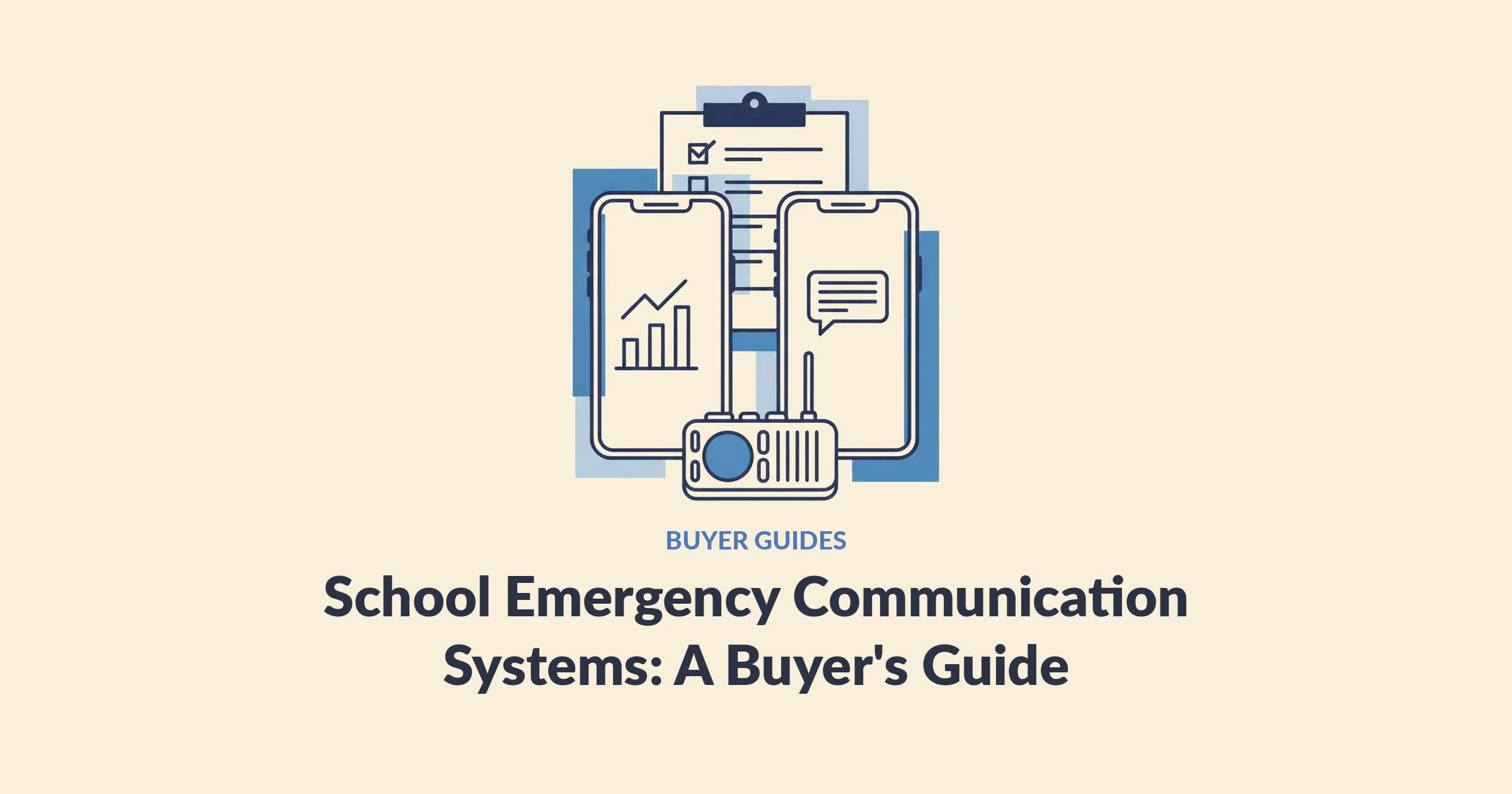
A school emergency communication system includes any tool that moves information during an emergency, but the categories do very different jobs. Your intercom broadcasts. A panic button calls for help. A situational awareness platform coordinates what everyone does after the alert. Districts that treat these as interchangeable end up with three tools and one gap: nobody can see the whole picture.
If you want a plain-English map of the broader software landscape, tip lines, visitor management, and the rest, start with our guide to what a school safety app actually is. This post focuses on the communication layer.
What are the main categories of school emergency communication?
School emergency communication tools fall into three main categories, PA/intercom, panic buttons, and situational awareness platforms, and each answers a different part of the problem.
| Category | What it does well | What it doesn’t do | Typical examples |
|---|---|---|---|
| PA / intercom | Instant voice broadcast inside the main building | Doesn’t reach modulars, fields, buses, or silenced spaces; one-way; aging analog parts are hard to replace | Wired intercom, IP paging |
| Panic buttons | Summons help with one press; supports Alyssa’s Law compliance | The press is the beginning, not the end, staff still don’t know what to do next | Mobile panic apps, wearable badges, wired buttons |
| Situational awareness platforms | Coordinates the whole response: one-tap alerts that reach everyone, live maps, two-way status, roll call, responder view | Not a visitor-management system or tip line | E3 |
Two patterns show up in almost every district we talk to. First, most own the first two categories already, see how to spot overlap between safety apps. Second, the categories at the top get bought first, and the gap at the bottom gets discovered during a drill: the intercom sounded, the button was pressed, and nobody in the building knew what to do next.
What are the two questions any system must answer?
Every emergency communication purchase should be tested against two questions: “Are my people safe?” and “What do I do?”
“Are my people safe?” is the accountability question. When the alert goes out, can a principal see, not guess, which classrooms are accounted for and which need help? Paper rosters and radio check-ins answer this in twenty minutes. A crisis gives you two.
“What do I do?” is the teacher’s question. A notification that says “Lockdown initiated” and nothing else leaves a teacher with thirty kids and zero information. Where is the threat? Which exit is safe? Alerting tools give her a sound. She needs a map.
Only one category on the table answers both, which is why the evaluation below is really a test of whether a platform coordinates a response or just starts one. If a tool answers neither question, it isn’t an emergency communication system. It’s a megaphone.
How do you evaluate a school emergency communication system?
Evaluate a school emergency communication system by scoring every vendor against the same checklist, in writing, before the demos start. Demos are persuasive; checklists are honest.
| Criterion | What “good” looks like | Red flag |
|---|---|---|
| Coverage | Reaches modulars, fields, buses, and off-site staff | “Works everywhere the intercom does” |
| Silent phones | Overrides silent mode on staff devices | Relies on staff hearing a normal notification |
| Two-way status | Staff confirm safe/needs-help; leadership sees it live | One-way blast with no acknowledgment |
| Accountability | Digital roll call synced to your SIS | Paper rosters at the rally point |
| Responder view | First responders see floor plans, threat location, and headcounts before entry | Responders get a phone call and an address |
| Maps | Room-level maps included in the price | Maps quoted as a per-school add-on |
| Adoption | Simple enough that a substitute can use it on day one | Requires annual retraining to stay usable |
| Compliance | Drill logs and after-action reports export in minutes | Compliance lives in a spreadsheet |
| Data privacy | FERPA compliant; no GPS tracking of staff | Vague answers about student data |
| Total cost | Flat, predictable pricing; no hardware | Per-building licenses, hardware refresh cycles |
Why districts land on E3
We built E3 to be the answer to that table, every row of it. One tap reaches every phone, desktop, and display, through silent mode, in the modulars and on the field. Staff confirm safe or needs-help and leadership watches rooms turn green, against a roster synced to the SIS. First responders see floor plans, the threat pin, and headcounts before they walk in, with free access. Maps are included, not an add-on. There’s no hardware to install, pricing is flat at the district level, and every drill documents itself.
That’s why 1,000+ schools and districts run E3, and why the proof point reads the way it does: in Cascade County, Montana, a drill alert reached law enforcement in 16 seconds, against a national average of roughly six minutes.
Run every vendor through the same table, including us. The table is the pitch.
What questions should you ask vendors?
Ask emergency communication vendors questions that expose the gap between the demo and a Tuesday morning in October. These come up on real buying calls:
- “What does a teacher see in the first sixty seconds after an alert?” If the answer is “a notification,” push harder.
- “How does it behave when cell service or Wi-Fi drops?” Rural districts especially: ask about offline behavior, not just uptime.
- “What happens with substitutes and new hires?” Training decays as people come and go. Ask how the system survives turnover.
- “Is anything in this demo an add-on?” Get maps, responder access, and integrations priced line by line.
- “How do first responders get access, and what does it cost them?” Some platforms charge agencies; E3 gives responders free access. This matters most where coverage is shared. As a business manager in a small Maine town told us: “notifying authorities and everything at the same time is major because we don’t have our own, like, police and sheriff here, so we share with other towns.”
- “Who answers the phone at 7 a.m. on a snow day?” Support responsiveness is a leading reason districts churn off incumbents.
- “Can we pilot before we commit district-wide?” A pilot-first vendor is confident; a contract-first vendor is hopeful. E3 is pilot-first: test it, trust it, then scale it.
What hidden costs should you budget for?
The sticker price of a school emergency communication system is rarely the real price. Watch for four cost patterns:
- Per-building licensing. A security supervisor at a small multi-building specialty school told us a competitor wanted a license for every one of their 20 buildings, thousands of dollars each. Ask for flat district pricing.
- Hardware. Wired buttons, gateways, and wearables carry install costs, battery cycles, and replacement fees. Software-only systems that run on phones staff already carry avoid the line item entirely.
- Map add-ons. Room-level mapping is sometimes quoted at thousands of dollars per school. Ask whether maps are included.
- Training decay. If the system needs annual retraining to stay usable, the cost is staff time every August, forever.
Grants can offset a lot of this. Federal programs like the COPS Office’s School Violence Prevention Program fund emergency communication technology; see our school safety grants guide and the DOJ COPS Office for current cycles.
Frequently asked questions
What is the best emergency communication system for schools?
The best emergency communication system is the one that answers “Are my people safe?” and “What do I do?” for your specific buildings, which is the job of a situational awareness platform like E3. Keep the PA for in-building voice; the platform coordinates everything the intercom can’t: two-way status, live maps, roll call, and the responder view.
Do schools need more than one communication system?
Usually two layers: the PA for instant in-building voice, and a situational awareness platform that reaches everyone everywhere else and coordinates the response. What you should avoid is stacking point tools, a panic app here, an alerting tool there, that each start an emergency but never answer who is safe or what to do next.
How much does a school emergency communication system cost?
Pricing varies widely by category and enrollment. Hardware-based systems add install and refresh costs; some software vendors charge per building or per school for maps. E3 prices flat at the district level with maps included and no hardware. Ask every vendor for all-in pricing in writing, and check grant eligibility, federal and state school-safety grants routinely cover this category.
What is a situational awareness platform for schools?
It’s software that coordinates what happens after an alert: live room-level maps, two-way staff status, digital roll call synced to the SIS, and a shared view for first responders. Alerting tools start the clock; a situational awareness platform is what turns the alert into an organized response. E3 defined the category for K-12.
What’s the difference between an alarm system for schools and an alert system for schools?
An alarm system for schools makes noise on-site, bells, sirens, strobes, and panic hardware. An alert system for schools is software that pushes notifications to phones, desktops, and displays, on campus and off. Alarms signal; alert systems communicate, and the strongest platforms add two-way status on top of both, so leadership knows who’s safe instead of hoping everyone heard.
Can our PA system be part of the plan?
Yes. A working intercom is still the fastest way to reach everyone inside the main building, and E3 integrates with PA systems rather than replacing them. The plan just can’t end there, modulars, fields, buses, and silenced phones need a layer the intercom can’t reach.
Buy clarity, not another alert
Every system on the market can make noise. The hard part is what happens next: a teacher deciding which door, a principal counting classrooms, an officer walking into a building they’ve never seen. E3 is the emergency situational awareness platform built for those sixty seconds, no hardware, maps included, flat district pricing, and free access for first responders.
Stop hoping the alert was enough. Book a demo and see what your team would see.